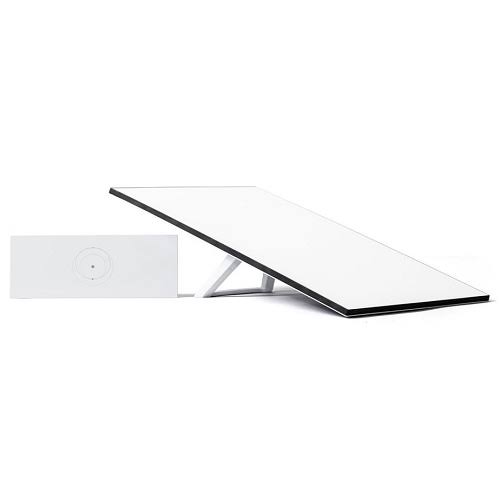
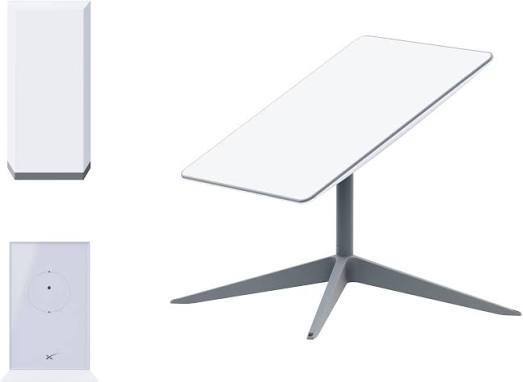
Starlink Uganda – Satellite Internet, Kits, Packages & Installation
Looking for Starlink Uganda prices, packages or installation assistance? Explore satellite internet options for your home, business, lodge, farm or remote project, with practical guidance on choosing equipment and planning your connection.
At Starlink Uganda Installers, start your enquiry with your location and internet requirements. Whether you want connectivity for everyday browsing, working from home, online learning or business operations, understanding your needs helps establish the right equipment and installation scope.
Compare setup costs, check service availability at your address and understand your monthly subscription before purchasing.
Call or WhatsApp +254 714 804 532 to discuss your requirements and request a quotation.
Starlink Internet in Uganda for Homes and Businesses
Starlink is a satellite internet service operated by SpaceX. It uses satellites in low Earth orbit to connect compatible equipment at your property to the internet.
For customers in Uganda, satellite broadband can be worth considering where fibre installation is difficult or other broadband options do not meet their requirements. It can also be considered as part of a backup connectivity arrangement for businesses that depend on online services.
Choosing an internet connection involves more than comparing subscription prices. Your property layout, number of users, daily activities and power supply all influence the setup you need.
A household may prioritise online classes, streaming and video calls. A lodge may need guest Wi-Fi across several buildings. A farm or construction project may require connectivity at a remote office. Planning around these differences helps you budget for a complete solution.
Starlink Uganda Availability and Coverage
Before buying a Starlink kit, check the current service options for your exact address. Country-level availability does not guarantee that every property will have the same ordering options, packages or installation requirements.
In May 2026, the Uganda Communications Commission reported that Starlink had secured provisional infrastructure and service licences. Customers should still confirm current address eligibility and activation requirements before purchasing equipment.
When making an enquiry, provide:
-
Your district, town and exact installation location.
-
A location pin where possible.
-
The type of property you want to connect.
-
Whether the connection will remain at one address.
-
Whether you already own a Starlink kit.
-
Your preferred installation timeframe.
Equipment availability and internet service eligibility are separate considerations. Confirm both before committing to a purchase or installation date.
Starlink Uganda Prices: What Does It Cost to Get Connected?
The total Starlink Uganda price depends on the equipment, subscription and work needed at your property.
For a clear budget, separate the one-time setup cost from recurring monthly charges. A hardware price alone may exclude delivery, mounting accessories, installation labour and additional Wi-Fi equipment.
| Cost component |
What to check |
| Starlink kit |
Exact model, condition, included accessories and activation eligibility |
| Monthly package |
Current subscription price, billing currency and service conditions |
| Delivery |
Delivery charge, destination and estimated lead time |
| Applicable charges |
Whether taxes and other relevant charges are included |
| Mounting accessories |
Roof brackets, wall mounts, poles or other fittings |
| Installation |
Labour, technician travel and any additional site work |
| Wi-Fi expansion |
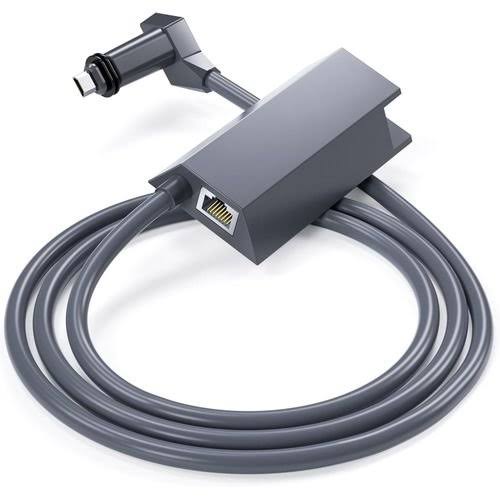
Access points, switches and cabling where required |
| Backup power |
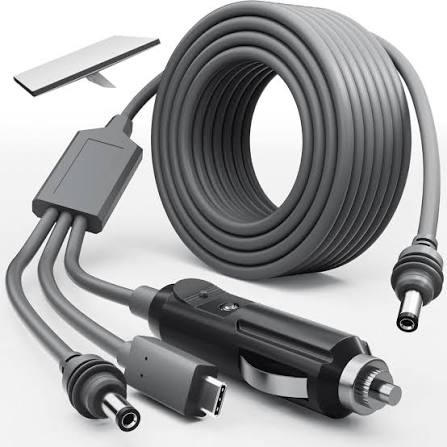
Equipment requirements and intended operating time |
Request a dated, itemised quotation showing the final amount payable. Where prices are quoted in a currency other than Uganda shillings, confirm the conversion method before payment.
For further purchasing information, explore the Starlink Uganda guide from Orbitlink Solutions. Confirm current Uganda-specific prices, equipment eligibility and delivery arrangements before ordering.
Contact us with your location and requirements to request a quotation.
Starlink Uganda Packages: Choosing a Suitable Plan
The best starting point when comparing Starlink Uganda packages is how you intend to use the connection.
Consider the number of simultaneous users, the applications you depend on and whether the equipment will remain at one location. Then compare the service plans currently available for your address and hardware.
Starlink for Home Internet
A home internet enquiry should account for activities that happen at the same time, such as television streaming, video meetings, schoolwork and downloads.
When comparing available residential options, check:
-
Monthly subscription charges.
-
Any advertised speed limits.
-
Data allowances or data prioritisation terms.
-
Service conditions during busy periods.
-
Hardware compatibility.
-
Address and account requirements.
A household with several people working and studying online may have different requirements from a home mainly using email and browsing.
Starlink for Business Use
Businesses should explain their operational requirements before selecting a plan. Include working hours, concurrent users and the services that must remain accessible.
Your enquiry may need to address cloud applications, guest internet, remote access, online transactions or a backup connection.
Confirm that the selected subscription permits your intended use. Also establish who will manage the local network and which support responsibilities belong to the installer, equipment supplier and internet provider.
Portable and Temporary Internet Requirements
For temporary sites or mobile projects, explain where the equipment will operate and whether it will be used while stationary or in motion.
Confirm that both the hardware and service plan support the proposed use. Portability of the equipment does not automatically establish permission to use a subscription at different locations or across borders.
For additional comparison information, review Starlink Uganda packages from Orbitlink Solutions. Confirm the final plan and monthly charge using the current offer for your service address.
Starlink Kits in Uganda
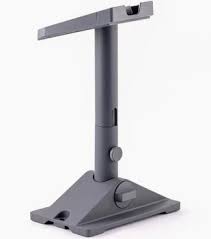
Choose your Starlink equipment around your property, power supply and eligible service plan.
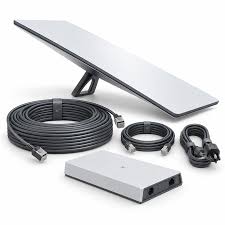
Before purchasing, ask for the exact model, the contents of the package and written confirmation of the equipment’s condition. Product bundles can differ, so confirm the supplied router, cables and mounting accessories.
Starlink Standard
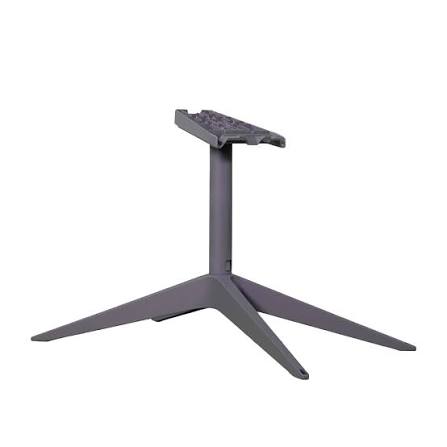
When planning a fixed installation, ask about Standard hardware and how the quoted kit fits your requirements.
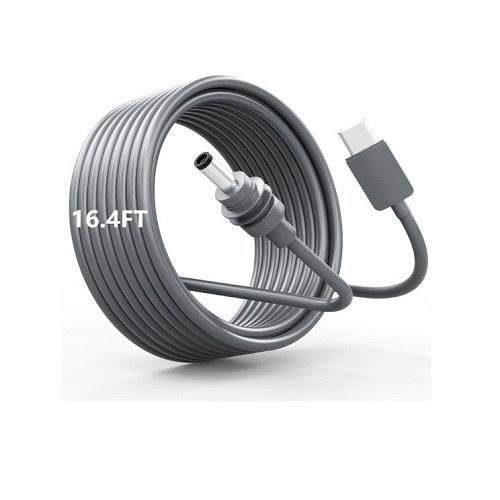
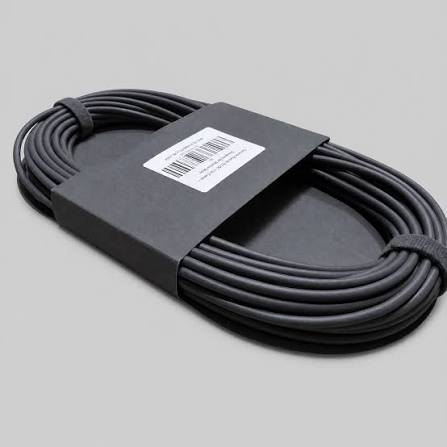
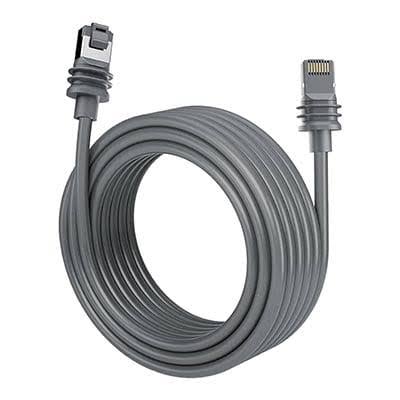
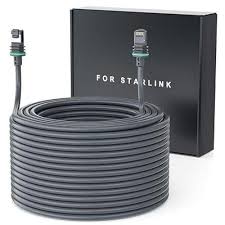
Confirm cable lengths, router specifications and whether additional mounting equipment is required. If you want coverage across several rooms or buildings, include that requirement in your quotation.
Starlink Mini
Starlink Mini includes an integrated Wi-Fi router. Customers considering Mini should confirm the service plans supported for their location and intended use, as residential compatibility varies by region.
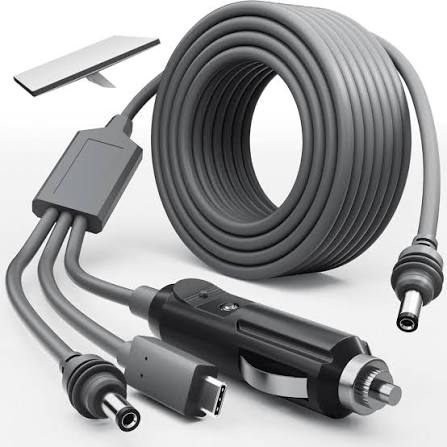
For a portable project, include power equipment, mounting arrangements and transport requirements in the budget.
Buying New or Previously Owned Equipment
Before paying for a kit, confirm:
-
Whether it is new or previously used.
-
Its account and transfer status.
-
Eligibility for activation at your intended address.
-
The accessories included.
-
Written warranty and return terms.
-
The business responsible for the sale.
For previously owned equipment, establish what must happen before it can be added to your account. Keep an itemised invoice identifying the equipment purchased.
Starlink Installation in Uganda
A suitable installation begins with the mounting location. Starlink requires a clear view of the sky, and the Starlink app can help assess obstructions before a permanent position is selected.
Trees, nearby buildings and other obstacles should be considered during the site assessment. Send photographs of your proposed installation area when requesting a quotation.
Site Assessment
The assessment should establish the proposed mounting position, cable route and location of the indoor equipment.
Roof height, technician access, building layout and the distance between the terminal and router can affect the installation scope.
For rented premises, confirm any required property-owner permission before arranging permanent mounting or drilling.
Mounting and Cable Routing
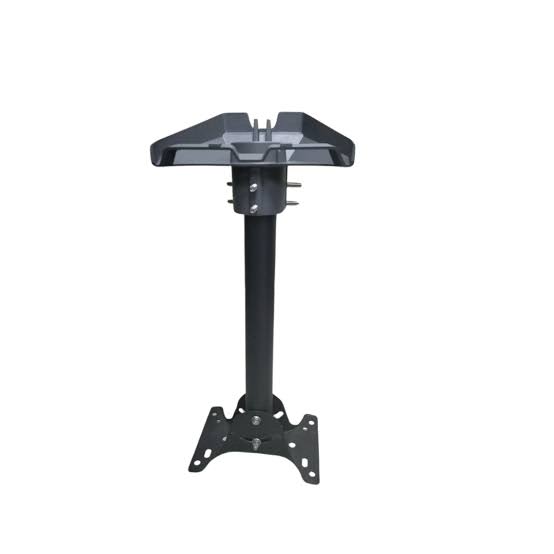
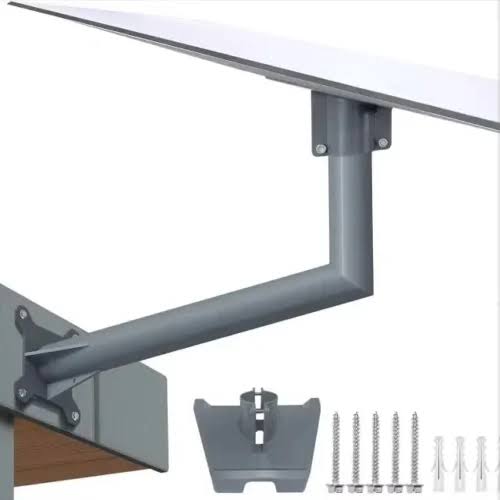
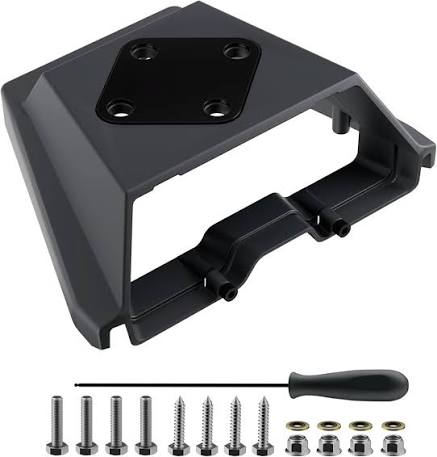
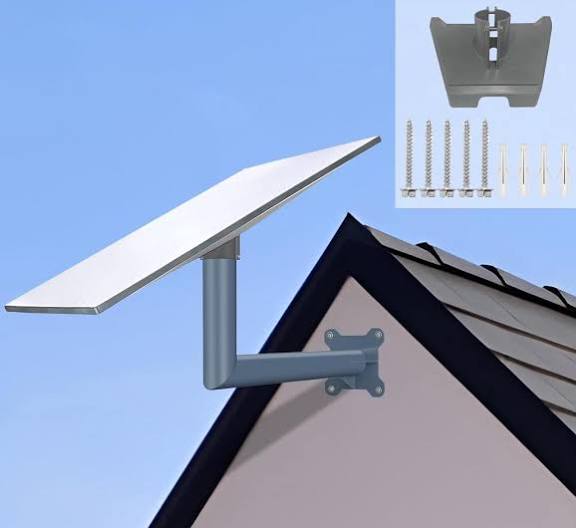
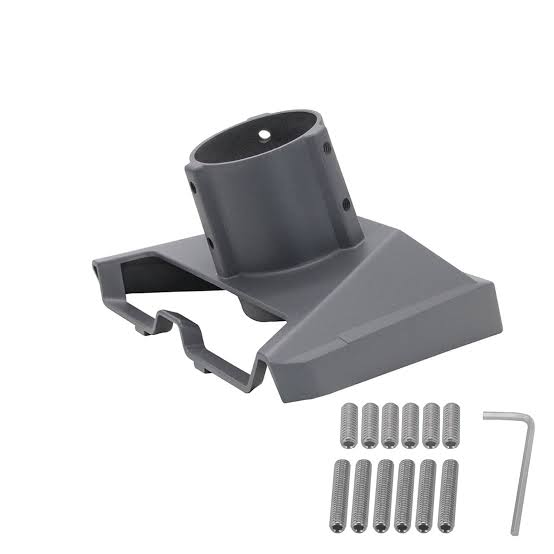
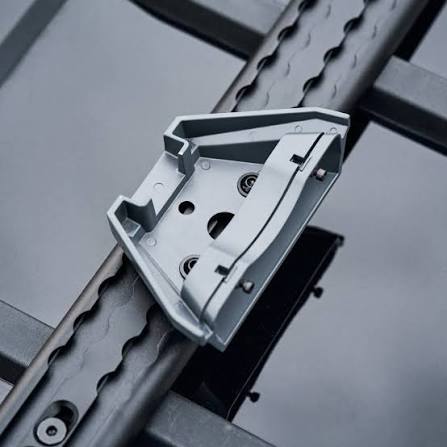
Agree on the mounting method and any additional brackets, poles or fittings before installation begins.
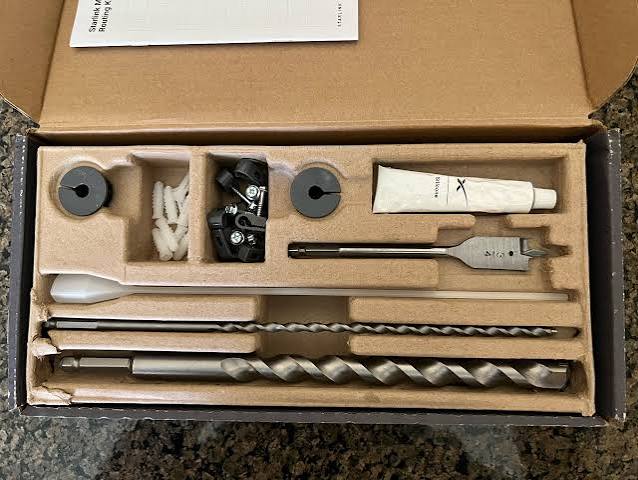
The quotation should identify the work included, the proposed cable entry point and any additional building work required.
If the mounting location cannot be reached safely, arrange professional assistance.
Wi-Fi Coverage Planning
The internet connection and Wi-Fi coverage inside your property are separate parts of the project.
Describe every area you want connected, including upstairs rooms, guest accommodation, offices and separate buildings. A larger property may require additional access points, switches or network cabling.
Planning coverage at the quotation stage helps avoid unexpected equipment costs later.
Testing and Handover
Agree on a handover checklist covering the installed equipment, connection testing, Wi-Fi access and basic account access.
Ask who to contact for installation problems and which service or account issues must be handled through Starlink’s support.
Keep your equipment invoice, installation scope and subscription details for future reference.
Internet Planning for Different Properties in Uganda
Homes and Home Offices
Identify the rooms where people work, study and use entertainment services. Include your home office in the coverage assessment if video meetings and online work are priorities.
Tell the installer if you need wired connections for desktop computers or other equipment.
Hotels, Lodges and Guest Houses
List guest rooms, reception, restaurants and staff offices separately when requesting a network quotation.
A useful design should account for expected occupancy and distinguish guest access from business systems. Include separate buildings and outdoor guest areas in your coverage requirements.
Farms and Rural Properties
Provide the distances between buildings and explain how electricity is supplied.
A farmhouse, store and field office may need different networking arrangements even when they share the same internet connection. Include seasonal access difficulties or remote-site travel requirements in your enquiry.
Schools and Training Centres
Estimate how many students and staff will connect during the busiest periods.
Identify classrooms, computer rooms, administration offices and shared devices. Establish who will manage passwords, equipment and support after installation.
NGOs, Field Offices and Construction Sites
Explain whether the installation is permanent or temporary, how many people will use it and what power is available.
Include any planned relocation dates and the applications your team depends on. These details help define suitable hardware, networking and installation requirements.
Starlink Enquiries in Kampala and Across Uganda
For enquiries from Kampala, Entebbe, Wakiso, Mukono, Jinja, Mbarara, Gulu, Mbale, Fort Portal, Arua or other locations, provide the precise site details.
Service eligibility, delivery arrangements and installation scheduling must be confirmed for each project. A town name alone does not establish availability at a particular property.
For remote sites, include a location pin, nearby landmark, building photographs and road-access information. Explain any restrictions that may affect delivery or technician access.
Starlink Information for East African Projects
If you are also planning connectivity for locations in Kenya, you can explore Starlink Kenya Installers for Kenya-related installation enquiries and Starlink Kenya for additional product and service information.
Confirm the requirements for each country separately. Hardware purchasing location, subscription eligibility and permission to operate at the intended address should all be checked before ordering.
Frequently Asked Questions About Starlink Uganda
Is Starlink available at my address in Uganda?
Check your exact address through Starlink’s current ordering process. Country-level licensing developments do not establish which plans can be ordered at every individual property.
How much does Starlink cost in Uganda?
Your total depends on the kit, current subscription, delivery, applicable charges and installation requirements. Request an itemised quotation in Uganda shillings or with a clearly stated billing currency.
Does buying a Starlink kit include the monthly subscription?
Treat equipment and recurring service as separate costs unless a written offer explicitly bundles them. Confirm when subscription billing begins and which charges recur.
Which Starlink package should I choose?
Compare the options available for your address against your intended use, eligible hardware and budget. Explain whether the connection is for a home, business or temporary project before selecting a plan.
Can I install Starlink myself?
Assess the proposed position using Starlink’s installation guidance and obstruction-checking tools. If you cannot safely access or secure the mounting location, arrange professional assistance.
Will one router cover my whole property?
Coverage depends on the building layout, wall materials, distances and router position. Include extra floors, outbuildings and guest areas in your requirements so additional equipment can be considered.
Can I use a Starlink kit purchased in Kenya in Uganda?
Confirm eligibility with Starlink before purchasing. Buying equipment in Kenya does not establish whether the proposed account, subscription or transfer supports use at your Ugandan address.
Is Starlink Mini suitable for my project?
That depends on the available service plans, intended use and installation requirements. Confirm regional plan compatibility, power arrangements and coverage needs before choosing Mini.
What information should I provide for an installation quotation?
Send your location, property type, expected number of users and intended applications. State whether you already own a kit and include photographs or a location pin where possible.
Who handles support after installation?
Confirm this in writing before purchasing. Installation issues, equipment warranty claims and internet subscription problems may involve different support channels.
Request a Starlink Uganda Quotation
Planning a new internet connection starts with understanding your location and requirements.
Contact Starlink Uganda Installers to discuss equipment, installation and the additional networking your property may need. Request a written quotation covering the kit, delivery, installation scope and accessories, then confirm the internet subscription separately.
Call or WhatsApp: +254 714 804 532
Send your location, property type and internet requirements to begin your enquiry.